
Close the year, and the audit
Dieser Inhalt ist noch nicht in deiner Sprache verfügbar.
Before you close
Section titled “Before you close”Open Finances → Journal and choose to close the financial year. Flok first shows what is worth a look — entries with no receipt, bank lines nothing has been decided about.
These are prompts, not blocks. You can close anyway, and sometimes that is the right call.
What closing actually does
Section titled “What closing actually does”- Nothing more can be posted into that year. Corrections from then on are dated in the following year
- The closing balances become the opening balances of the new year
- The result goes into the club’s funds, and the income statement starts at zero
- Your auditor gets read access to the closed year
The audit
Section titled “The audit”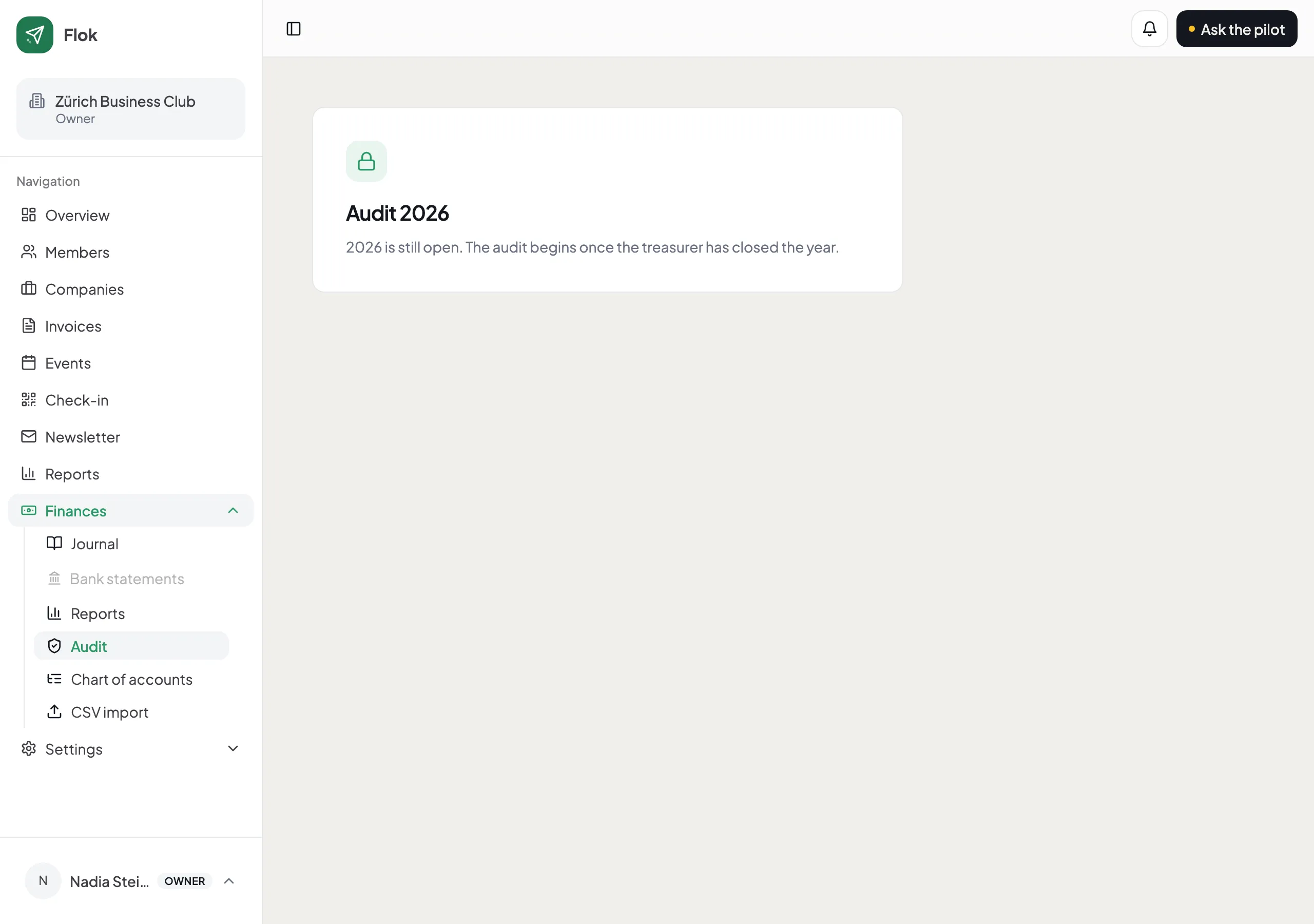
Your Revisorin opens Finances → Audit. She sees every entry with its receipt, ticks off what she has checked, and leaves a remark where something needs explaining. You see those remarks and can answer them directly.
Her progress is saved. She can do an hour on three evenings, which is how this actually happens in a club.
Flok also points out places worth a look: entries with no receipt, the same amount twice in quick succession, corrections posted from a later year, round cash amounts over CHF 500.
When she is satisfied she records the result and signs off.
If you hand her a receipt afterwards, it is attached and visibly marked as late. The entry’s date, accounts and amount do not change — so a late receipt can never be a quiet edit.
Reopening a year
Section titled “Reopening a year”Until the audit is signed off, you can reopen the year yourself. You give a reason, it is logged, and your auditor sees it.