
Get your members in
Dieser Inhalt ist noch nicht in deiner Sprache verfügbar.
Do this first. Everything else — fees, events, newsletters — hangs off your member list, and you can be done in about ten minutes.
Bring the file as it is
Section titled “Bring the file as it is”Open Members and click Import. Take whatever file you already have: .csv,
.xlsx or .xls, straight out of Excel, Numbers or the system you are leaving.
You do not need to rename the columns first. Flok reads the headings and works out which is a first name, which is an email address and which is a joining date, then shows you what it decided so you can correct it. A column it cannot place, you point at the right field yourself — or leave out.
When somebody is already there
Section titled “When somebody is already there”Importing the same list twice is normal — people re-export, or a second list turns up from the Beitrittsformular. Before writing anything, Flok tells you who already exists and asks what you want:
- Skip them — keep what Flok already has
- Update them — let the file win
Nothing is written until you choose.
What you get
Section titled “What you get”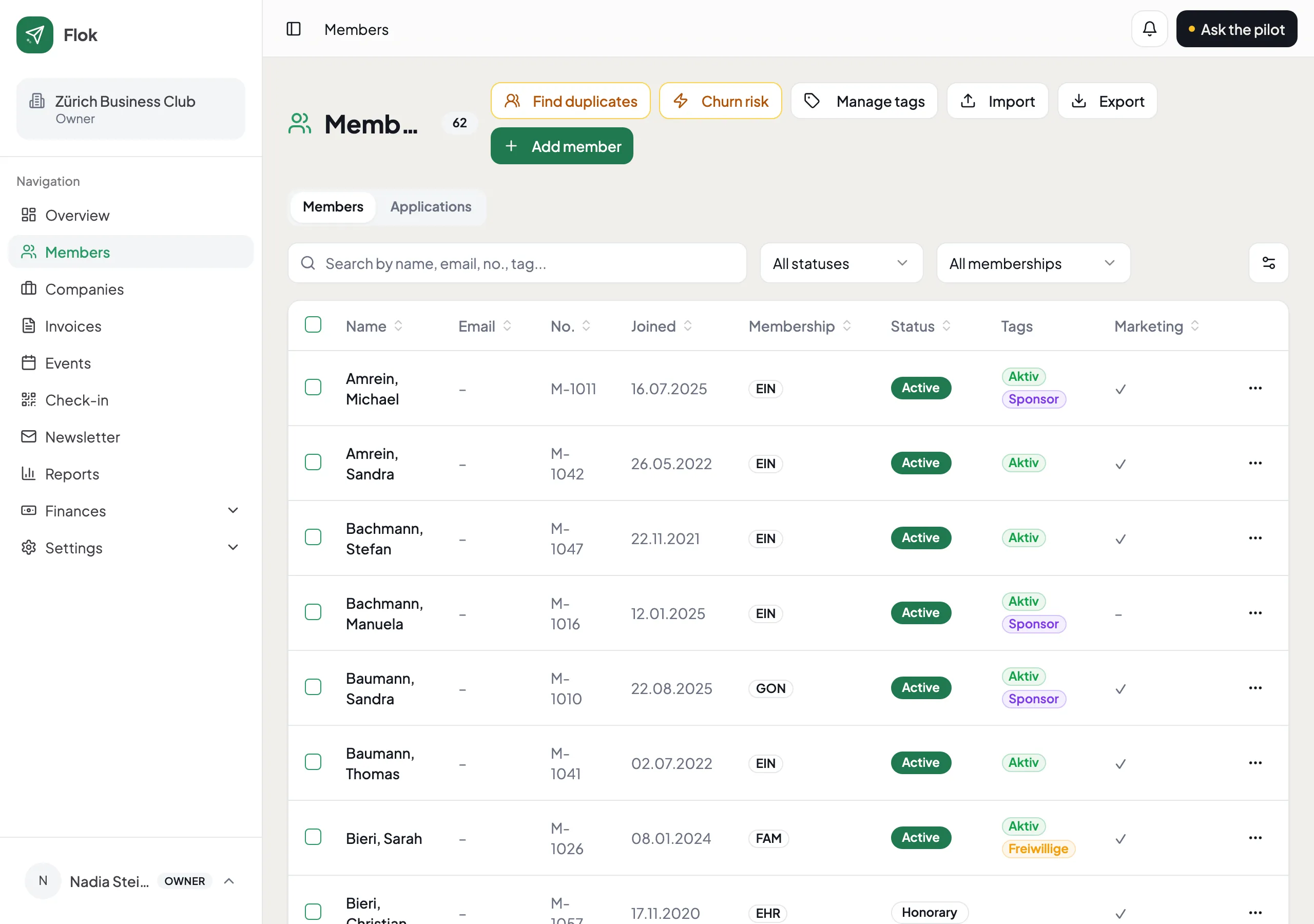
Every member carries a status:
| Status | What it means |
|---|---|
| Active | A normal member |
| Passive | Still a member, usually at a different rate or none |
| Honorary | Ehrenmitglied — kept, usually not invoiced |
| Deleted | Left. Kept out of your way, not destroyed |
A member who leaves is never really deleted while they still have invoices or tickets attached. That is deliberate: your accounts have to still make sense in three years, and a hole where a person used to be does not.
- Fields of your own, for what your club actually tracks
- What a membership costs