
Sending the invoices
Ce contenu n’est pas encore disponible dans votre langue.
Raising one
Section titled “Raising one”From the member’s own page, choose Create invoice. It takes the price and cycle of the rate they hold, you can add a VAT rate, and you get a document.
If your club has connected Stripe or Payrexx, the invoice carries a payment link and the member can pay by card or TWINT. Without one, it is still a proper invoice — it just has your bank details on it instead of a button.
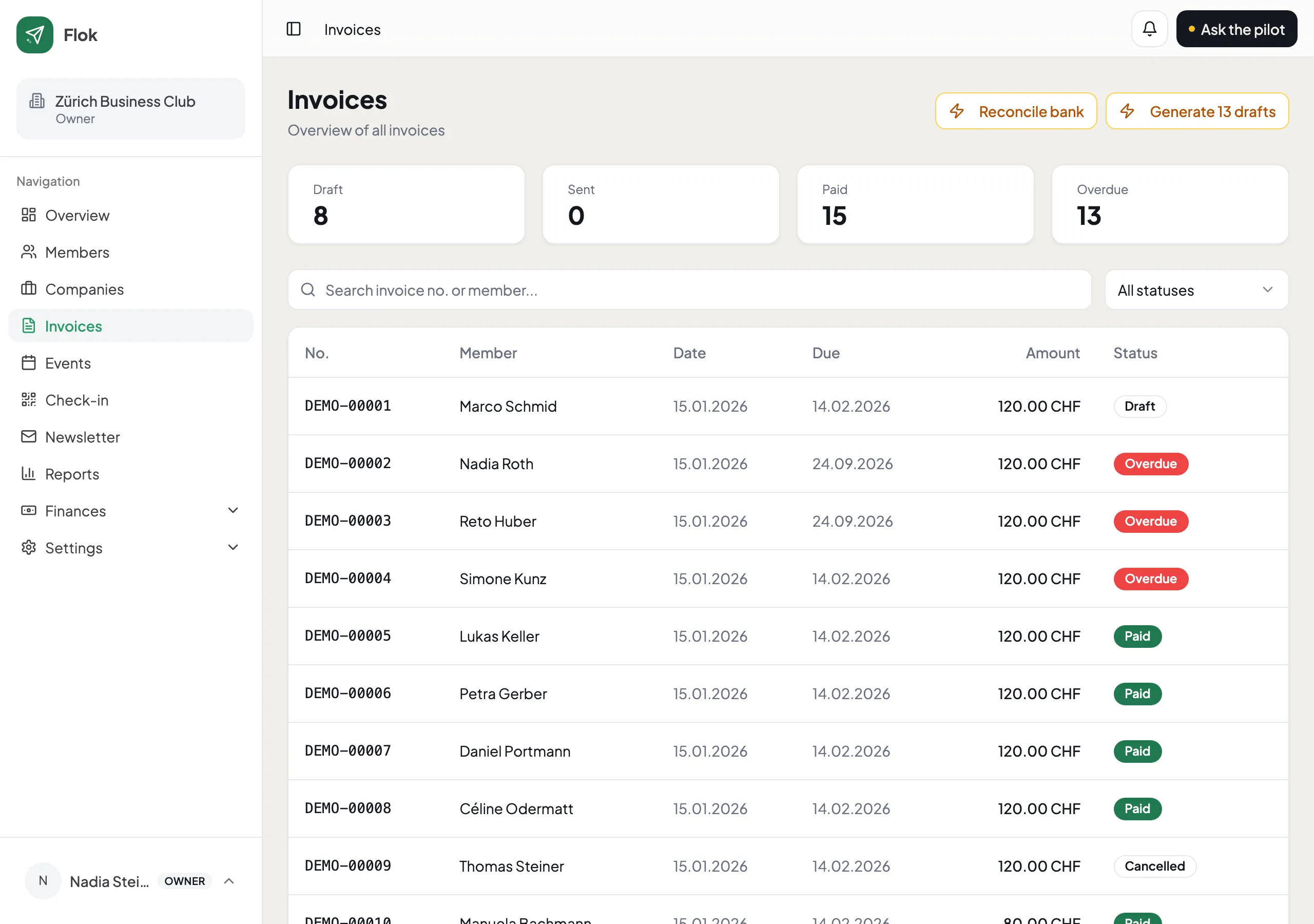
What the statuses mean
Section titled “What the statuses mean”| Status | What happened |
|---|---|
| Draft | Created, not sent. Nobody has seen it |
| Sent | It has gone to the member |
| Paid | The money arrived |
| Overdue | Past its due date and still unpaid |
| Cancelled | Withdrawn. It stays visible, because your books need it to |
Chasing what is open
Section titled “Chasing what is open”An invoice goes overdue by itself once its due date passes. Pilot can draft the reminder for you — in your language, naming the right amount and the right invoice — and you read it and send it. It is never sent on your behalf without you seeing it.
Numbering
Section titled “Numbering”Invoice numbers are gap-free, per club and per year. Nobody has to think about it, and your accountant will not ask why number 47 is missing.
If your club keeps books
Section titled “If your club keeps books”Everything on this page also lands in Finances by itself: issuing an invoice books the amount as money owed to you, and a payment moves it to the bank or the cash box. You do not book any of it twice.
See Set up Finances.