
Write and send a newsletter
Ce contenu n’est pas encore disponible dans votre langue.
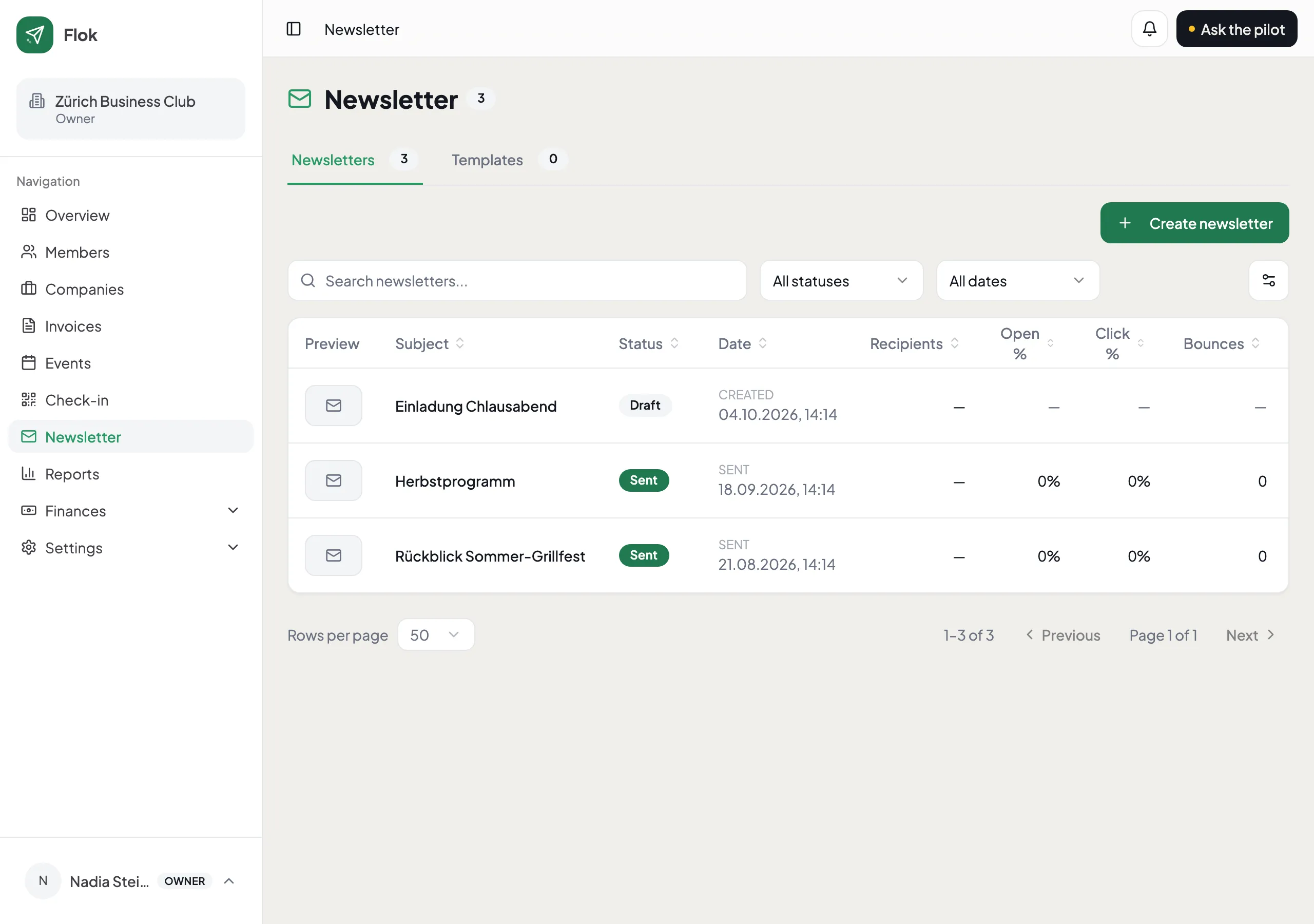
Build it
Section titled “Build it”Open Newsletter and create one. You drag blocks into place — a heading, text, an image, a divider, a button — and it saves as you type. There is no Save button to forget.
Start from one of your own templates if you have one. Most clubs end up with two or three and reuse them all year.
Choose who gets it
Section titled “Choose who gets it”Everybody, or a filtered slice of your list: a tag, a membership type, a status. The count updates as you choose, so you know how many before you send, not after.
Send yourself a test first
Section titled “Send yourself a test first”Always. It takes ten seconds, and it is the only way to see what your members will see, in their email program rather than in the builder.
Sending from your own address
Section titled “Sending from your own address”By default your newsletter goes out from Flok’s sending domain. You can send as
news@yourclub.ch instead by proving the domain is yours — a couple of DNS records
under Settings → Email.
Worth doing once. Mail from your own domain is less likely to be filtered, and it looks like the club rather than like a tool.
What happens afterwards
Section titled “What happens afterwards”Flok records what was delivered, opened and clicked, and handles unsubscribes for you. An unsubscribe link is in every newsletter because the law requires one, and it cannot be removed.