
Run an event
Create it
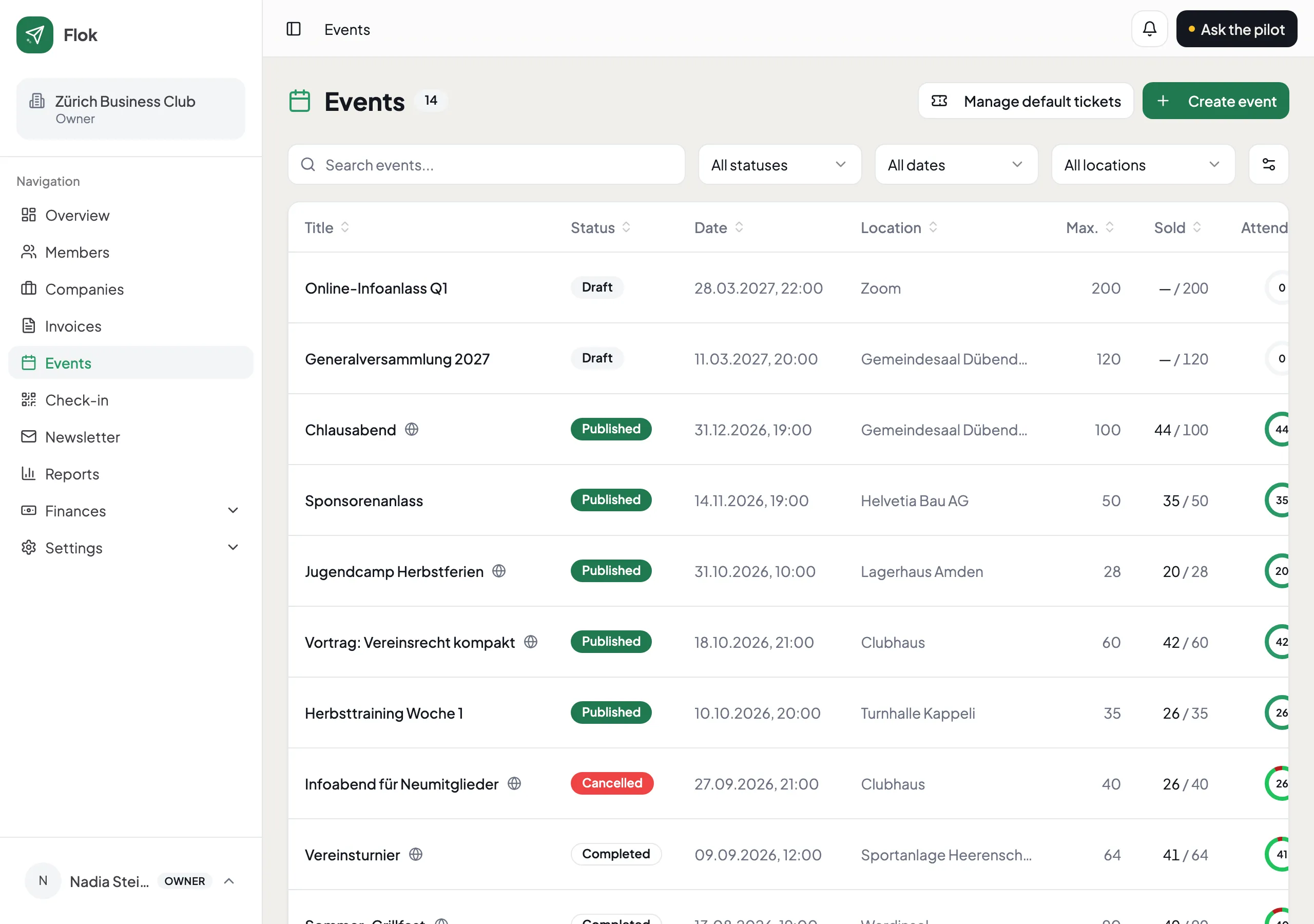
Section titled “Create it”Open Events and add one. The essentials are a title, a date and a place. Everything else — a registration deadline, a cap on numbers, a description — you can fill in later, and most clubs do.
Every event gets a public page of its own, whether or not you sell tickets. It is a link you can put in a newsletter, a WhatsApp group or on your own website.
Tickets, if you want them
Section titled “Tickets, if you want them”Add one or more ticket types — “Mitglieder”, “Gäste”, “Kinder” — each with its own price. A ticket type can be restricted to members, in which case a buyer signs in with a six-digit code sent to their email. No password, nothing to remember.
Non-members can buy the open ones without an account at all.
At the door
Section titled “At the door”Open Check-in on a phone. Scan the QR code on the ticket — on paper, on a screen, or in a Wallet pass — and it goes green. A ticket already used says so, which is the point.
If someone turns up without their ticket, you can find them by name and check them in by hand.
Afterwards
Section titled “Afterwards”Attendance stays with the event, so next year you know how many came rather than how many said they would.
If your club keeps books, ticket income books itself — see Set up Finances.