
Make an entry and attach the receipt
Open Finances → Journal and click New entry.
Say what happened
Section titled “Say what happened”At the top you choose what kind of thing this was:
| When | |
|---|---|
| Money out | You paid for something |
| Money in | Somebody paid you |
| Transfer | You moved money between your own accounts — bank to cash box, say. Neither income nor expenditure |
Then fill in the date, the amount, and under What for? write it the way you would say it out loud: “Hall rent August”.
Finding the accounts
Section titled “Finding the accounts”You do not need to know account numbers. Type a word — rent, kit, fee, donation — and the right accounts come up.
Underneath, Flok writes out what it is about to do in one sentence. Read it once. If it sounds wrong, it is wrong, and this is the cheapest moment to notice.
The receipt
Section titled “The receipt”Every entry should have one. Pick a file — JPG, PNG or PDF — or use Photograph the receipt. On a phone that opens the camera; on a computer, the file picker.
Flok reads the date, the amount and the shop off the photo and fills them in as a suggestion. Nothing is booked automatically. You compare it against the paper and confirm. If you type in a field yourself, your value wins.
Photos up to 5 MB are read. A larger one still gets attached — you just type the figures yourself.
A pile of receipts
Section titled “A pile of receipts”Save & next keeps the date and opens the next one straight away. It is the difference between an evening and ten minutes.
When you get one wrong
Section titled “When you get one wrong”There is no edit, and no delete.
Open the entry and choose Post correction. Flok writes the opposite entry, and both stay in the journal next to each other.
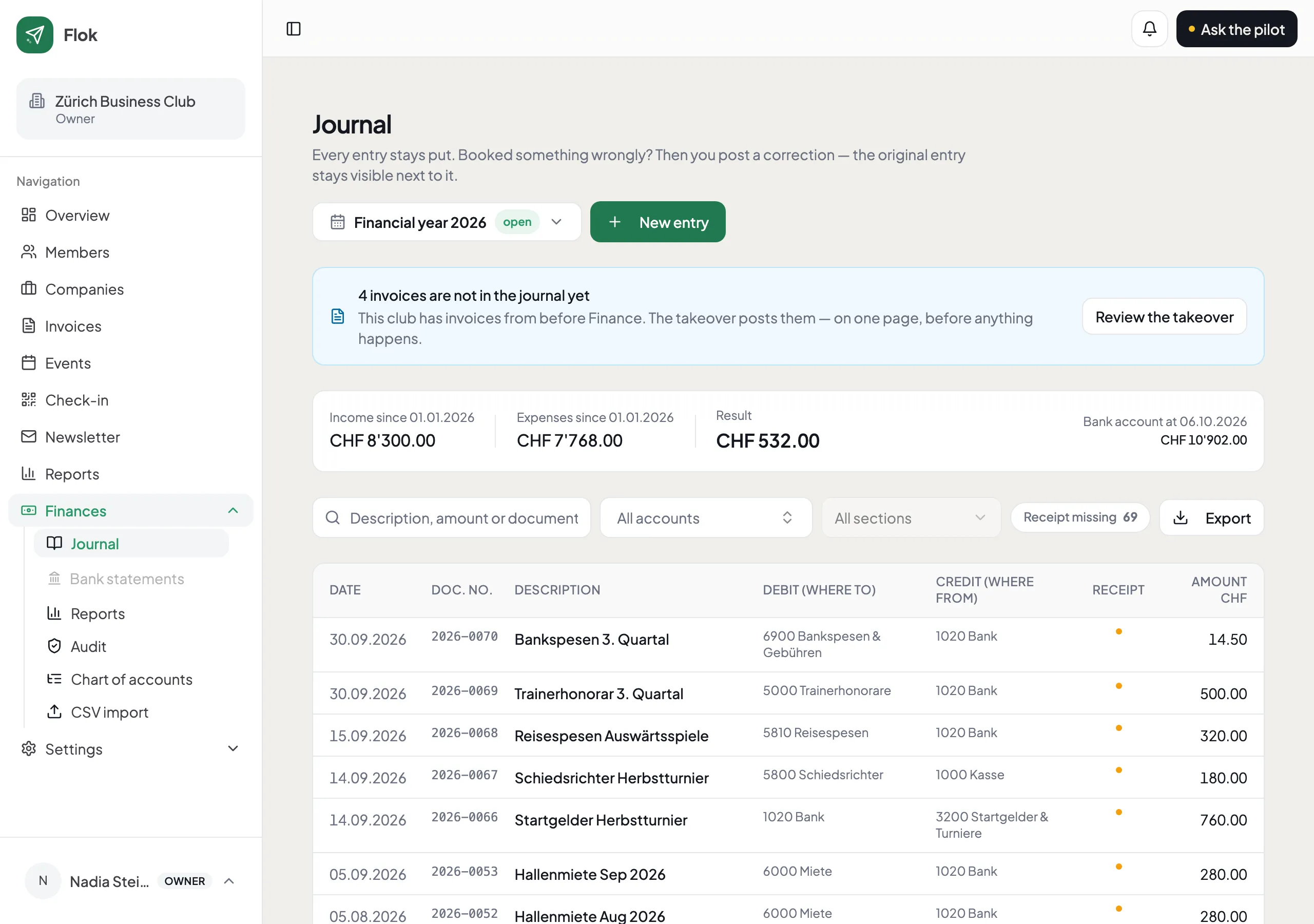
This is not the software being awkward. A set of books you can quietly edit proves nothing to the person checking it — and the whole value of keeping them is that somebody else can believe them.
What you never have to book
Section titled “What you never have to book”Invoices you raise in Flok, and payments arriving by card, bank or cash, are already there. You only enter what Flok has no way of knowing about.